
13 Things You Should Know About Robot Vacuum And Mop That You Might No…
페이지 정보
본문
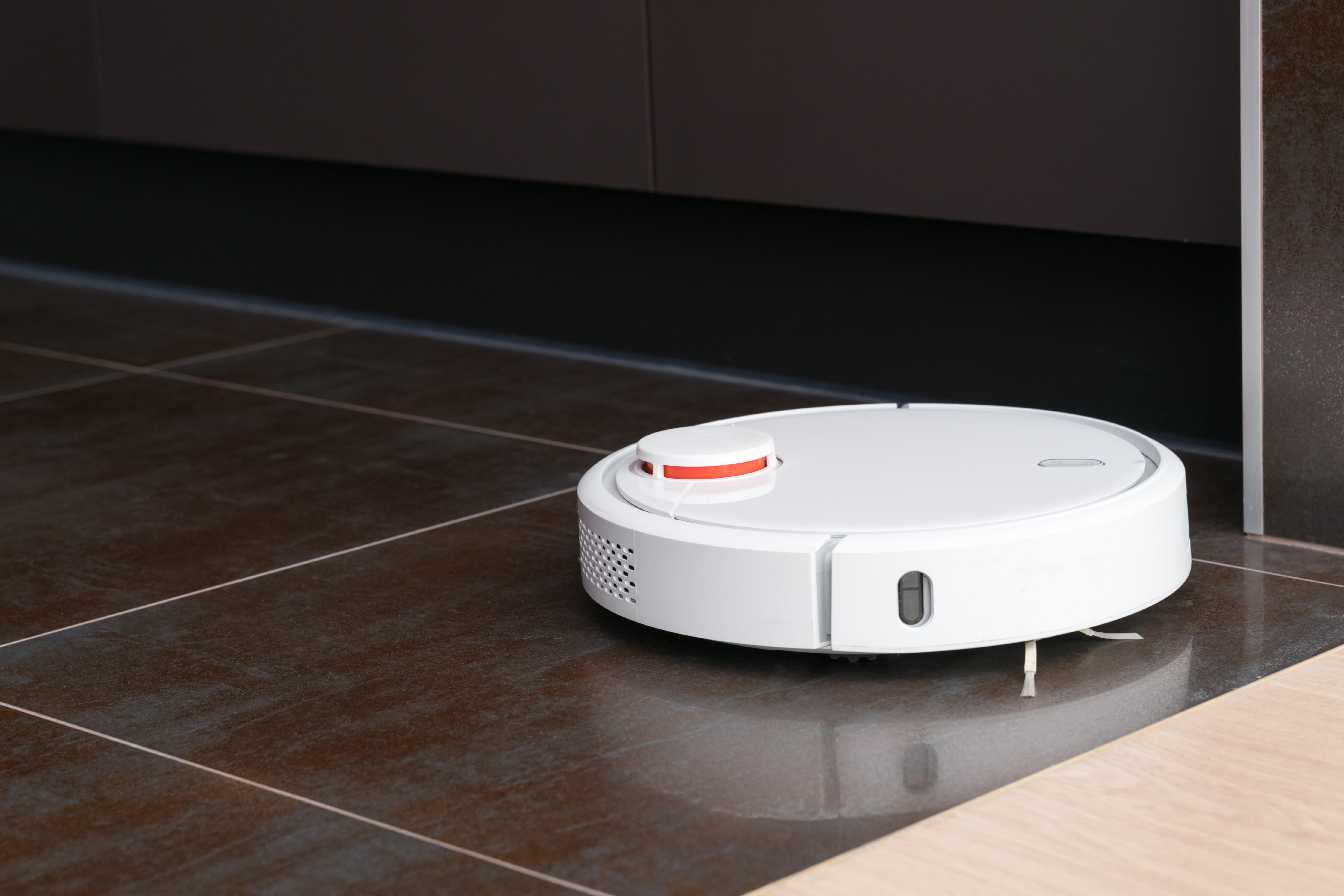 How to Maintain a Robot Vacuum and Mop
A robot vacuum and mop can help you maintain your floors in a regular manner. Set it up to run automatically and you'll have a clean floor when you get home.
Apps can be used to control and schedule the majority of robot vacuums that have mopping capabilities. Some come with a self-emptying bin, and many have microfibre pads which can be replaced or washed at any time.
1. Easy to use
Robot vacuums and mops are designed to be user-friendly and easy to maintain. It's important to remember that they can't clean everything. You will need to do the cleaning yourself from time to time. In addition, you may require replacing parts such as filters or wheels. For the best affordable robot vacuum results, infodin.com.br you must follow the recommended maintenance schedule of the manufacturer.
When you first get your robot, it will have to map out your home. This can take a few weeks. During this process, it may be pushed into objects or hit walls. You can prevent this from happening by establishing "no-go zones" using the app. Once your robot is identified, you can also adjust settings like mopping power and suction power by using the app.
The app will also tell you when your equipment needs to be cleaned or replaced. This will ensure that you keep your robot in good working order for years to come. Based on the frequency of use, some accessories will wear out faster than others. For example the brushes on a robot vacuum should be replaced every six months. To increase the airflow, the dust filter of a robot vacuum needs to be cleaned at least once a week. Remove the filter from the vacuum and tap it on a surface to get rid of any debris that is loose. Rinse the filter with cold water until it's clean. Allow it to dry before re-inserting.
Before disassembling your robot, it's a good idea to consult the user's manual for specific instructions on how to clean and troubleshoot. You'll need basic tools, like garbage bins and a microfiber cloth, brush with soft bristles (an old toothbrush works well), and a pair of scissors. It's a good idea to plan a weekend every month to do these tasks to ensure the best performance. Also, be sure to wash your hands thoroughly with soap and warm water to disinfect your hands after handling any dirty parts. This will help avoid injuries and contamination to yourself or your robot.
2. Floors suitable for all types of floors
The best robot mops are versatile enough to be used on tile and hard floors. Some come with a choice of disposable or reused mop pads that are able to be used dry or wet. The pads are usually machine washable to keep them fresh and clean. Some robot mops are equipped with reservoirs of water that you can fill up with your preferred cleaning solution, while others use cleaners made by the brand. They have different settings for sweeping and infodin.com.br mopping.
Although most robot mops reach under furniture that is low and around edges, they can struggle with cluttered spaces and can sometimes get stuck on small objects. It is crucial to clear the area prior to beginning. Also the mops might have to stop charging or empty their water tanks and will require you to be home at that time.
The majority of robot vacuums and mop makers provide a cleaning map to help you plan your space. You can mark areas and rooms that you don't want the robots to clean. This will tell it to stay clear of. Most robot mops also have a no-mop zone feature within their app that allows you to block carpeted areas.
If you have a mix of carpets and hard floors, look for a robot that can mop and vacuum simultaneously. In our home test of the Yeedi robot mop and vacuum, it impressed with the ease of moving around the pre-mapped area and adjusted for obstacles without snagging any areas. It offered a wide range of mopping options, and it worked with carpeted stairs, hardwoods and ceramic tiles. The robot was simple to setup and sync, and it didn't leave marks of wet floors behind. It did, however, encounter some difficulties with an area rug. It was forced to reverse course, eventually and ended up under it, but was able to free itself without our assistance.
The iRobot Combo j7+ is our top-rated robotic mop and is another excellent choice for homes that have many surfaces. It's the very first 2-in-1 to feature a fully retracting mop pad that allows the robot to lift off rugs and carpets to prevent mess on carpets that are wet. It also comes with thoughtful iRobot OS 5.0 upgrades that increase flexibility and intelligence.
3. Easy to empty
It should be easy to maintain and empty regardless of whether you're using a robot mop or vacuum. Otherwise, you'll be busy with other chores just to keep it running. Many robots come with an automatic emptying bin to allow you to easily get rid of the contents. It may seem like a minor benefit but it could be a huge difference to your overall experience.
Another important aspect of a robot vacuum is the filter that captures dust and dirt. This ensures that your floors are as clean as is possible and stops dust from recirculating back into the air. Find a HEPA-filter model, which will capture the smallest particles, leaving your home clean.
In addition to the HEPA filter, some models are also equipped with a reusable water tank and mop pads This means that you don't need to purchase disposable cleaning products. This will help reduce household waste and will save you money over time.
When deciding on a robot cleaner for your home, think about the size of the home and the space available for the base and dust bin. The more space you have, you will have to move the machine less frequently.
It's recommended to read reviews of the model you're considering prior to purchasing it. This can give you a better idea of the reliability and what kind of issues it tends to have. It's also a good idea to determine whether or not it has remote control or an app which could be useful for planning and monitoring its progress.
In the end, the benefits of a robot cleaner are worth the investment, especially when you consider how hands-free they can be. If you're a busy parent with work, kids and other responsibilities having the option to let your robot cleaner do the work for you can be a real lifesaver. Be sure to check the battery and whether there is a low-charge indication before you purchase.
4. Easy to maintain
Based on the model, regular maintenance may include cleaning easily accessible components such as the dust bin and filter, or a slightly more demanding process such as taking off and washing the main brush roll. It is also essential to clean the robot's sensors, especially those that aid it to navigate and avoid obstacles in your home. It is recommended to take them off them and wipe them with a microfiber cloth or mild cleaning agent every now and then.
The main sensor in the robot vacuum is what funnels dirt into the dustbin. However, it is possible for it to be entangled by hair and other debris. Most models allow you to take this sensor off for easy cleaning. A few minutes of scrubbing using a microfiber towel could be the difference between your device working as intended or not at all.
For a mop that is robotic, it is equally important to clean and dry mopping pads or cloths regularly. This will prevent bacteria from growing on damp cloths and pads. This could make your floors smell and make them less efficient. Many manufacturers recommend rinsing the mopping pads and cloths in warm water and letting them dry in the air before using them again.
The robot's wheels and front bumpers should also be maintained regularly. Over time, they can collect hair and dirt, making it difficult for the robot to move. These parts can be cleaned gently with a microfiber towel, but not too wet. You can also use a toothbrush or soft-bristled brush to access difficult-to-reach places.
Another easy-to-clean piece of equipment is the camera on the robot that is found on most models and is responsible for taking pictures of your space. Typically, this is used for mapping, enabling the robot to create no-mop zones and schedules. The camera can be wiped with a dry, clean microfiber cloth or a slightly damp melamine foam sponge. Make sure you read the manual for directions.
댓글목록
등록된 댓글이 없습니다.